Flows guide every user
to the next right step
Product, growth and CS teams use Flows to build in-app journeys that branch by role, behaviour or plan — and send in-app or by email.
Start from one of 19 templates instead of a blank canvas, then publish from the canvas. No code, no dev ticket.
Start from one of 19 templates instead of a blank canvas, then publish from the canvas. No code, no dev ticket.
Branching & conditional logic
19 templates
Multichannel (in-app + email)




Nineteen templates, sorted by what you're trying to fix
Every one is a working flow you adapt, not a wireframe. Role-based onboarding, catching people who stall in setup, feature launch follow-ups, upsell moments. The shortest is four steps.
Onboarding
Truly personalized onboarding
Routes each user to the path that fits their role, goal or first priority. The clearest thing a linear tour simply can't do.
7 steps
Activation
Help users with initial setup
Recovers users who started setup and didn't finish, returning them to the exact next step.
5 steps
Adoption
Feature launch follow-up
Introduces a new feature, helps users try it, then collects feedback once they've formed an opinion.
5 steps
Flows that move activation, conversion and retention
From first welcome to renewal nudge. Every step of the user journey is covered.
Branching & Routing
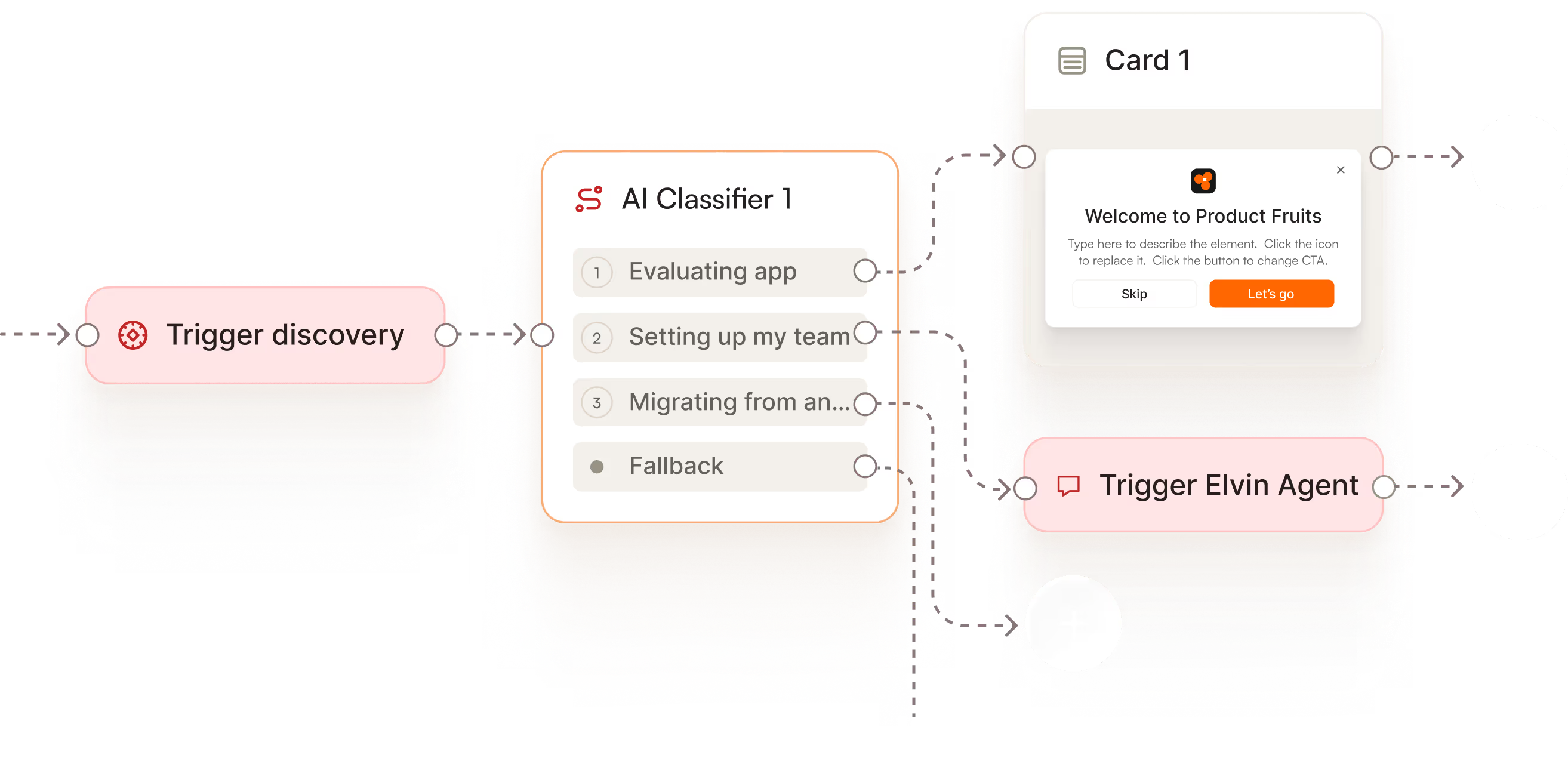
Job-based onboarding
Discovery asks what they're here to do. The flow branches by job — evaluating your app, setting up their team or migrating from another tool.
In-app & Email
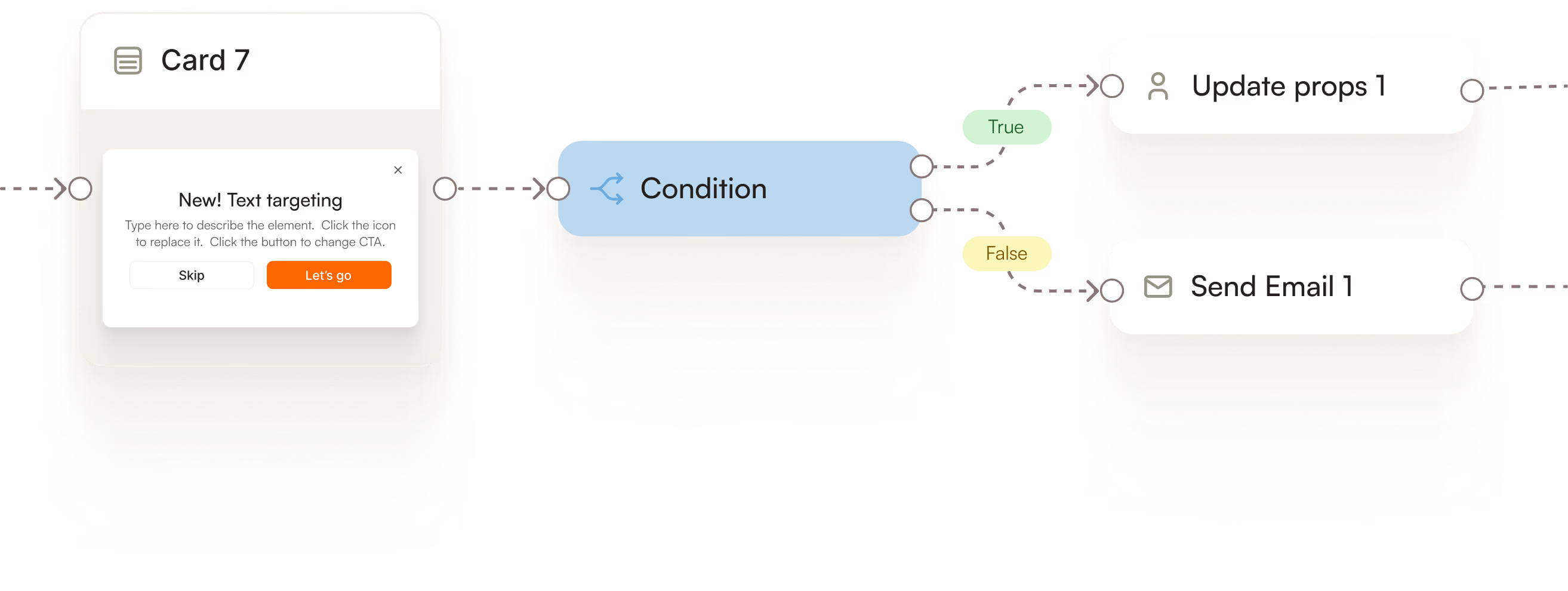
Feature adoption loops
Surface new feature when it's most relevant. If they leave without acting, catch them with the nudge next session. Still quiet after 48 hours? Email lands automatically.
INtegrations
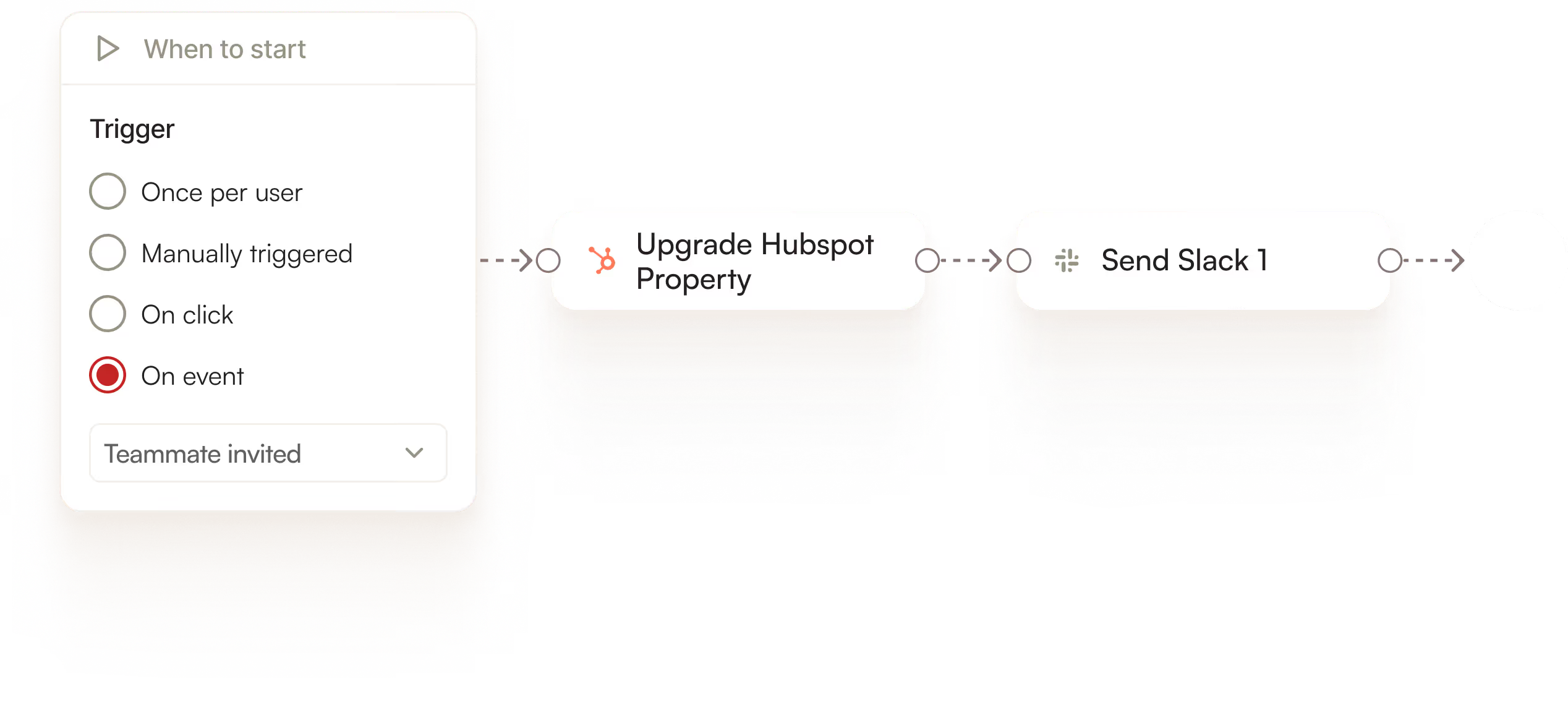
Sales handoff on intent
When a user hits a buying signal (invites their team, maxes a usage limit, keeps opening billing), write it straight to your CRM. Sales gets a qualified lead in real time, not in next week's report.
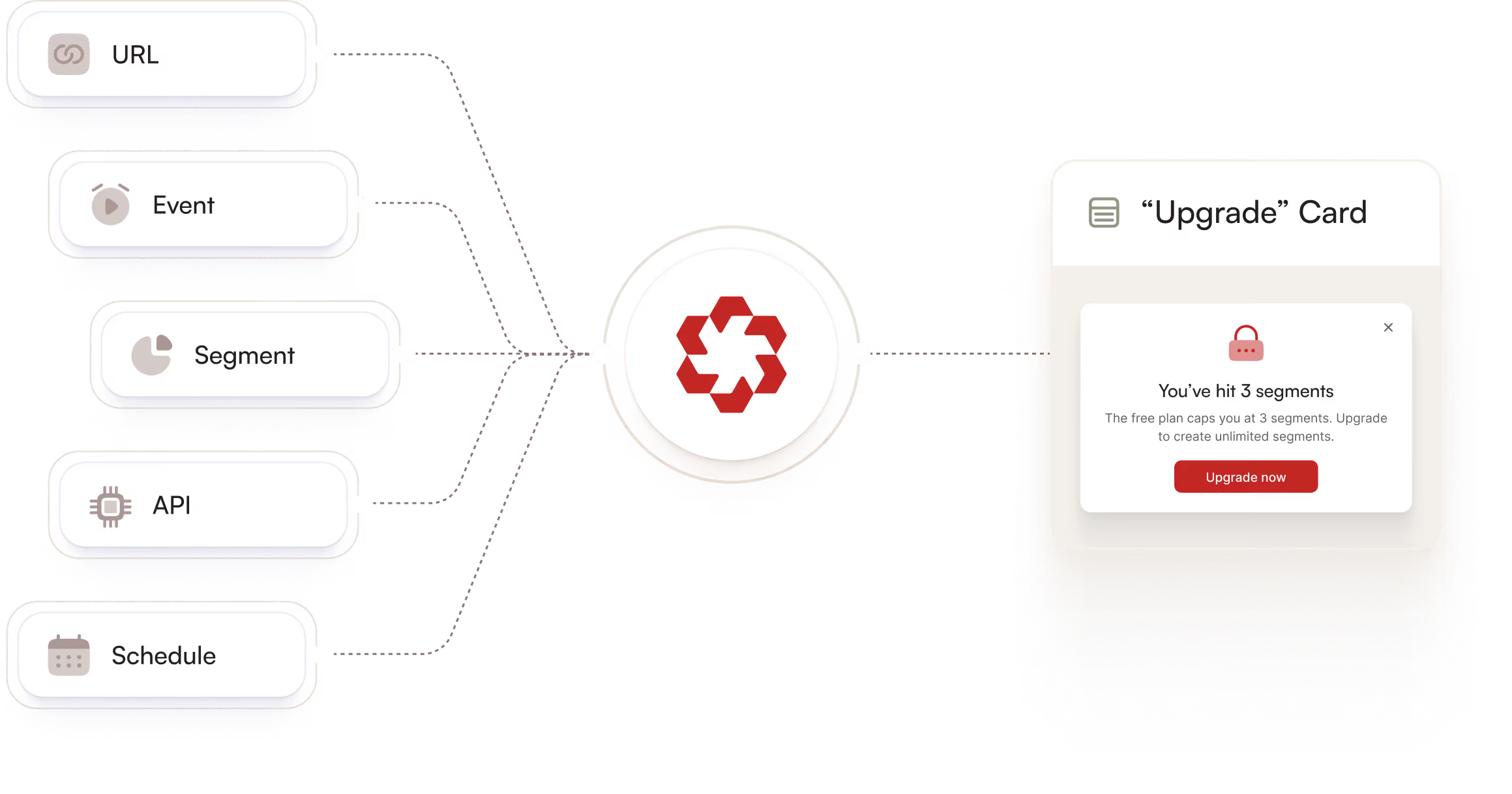
Triggers
Usage-triggered upsells
Track the feature usage event. When the user hits the limit, call your billing API. If they're still on free, trigger the upgrade flow.
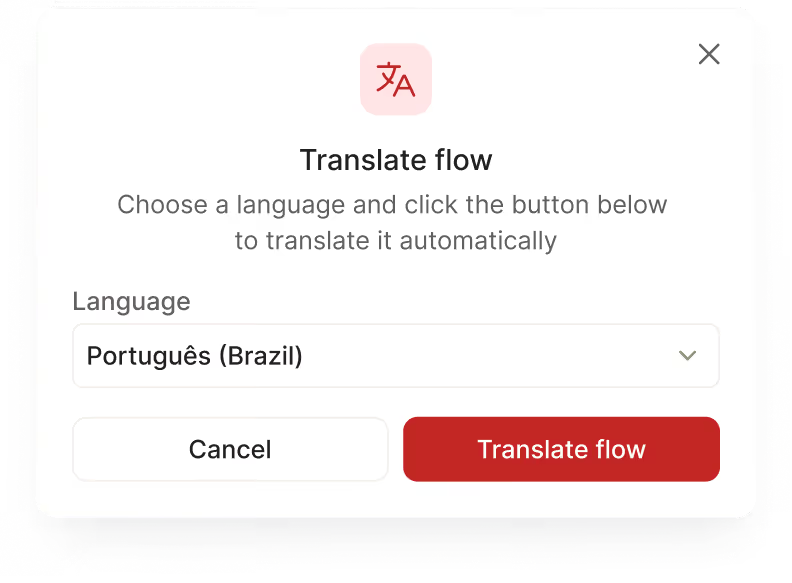
Automatic Localization
Go global with a click
AI auto-translation generates localized variants instantly. Structure, logic and element attachments preserved. One flow, every market.
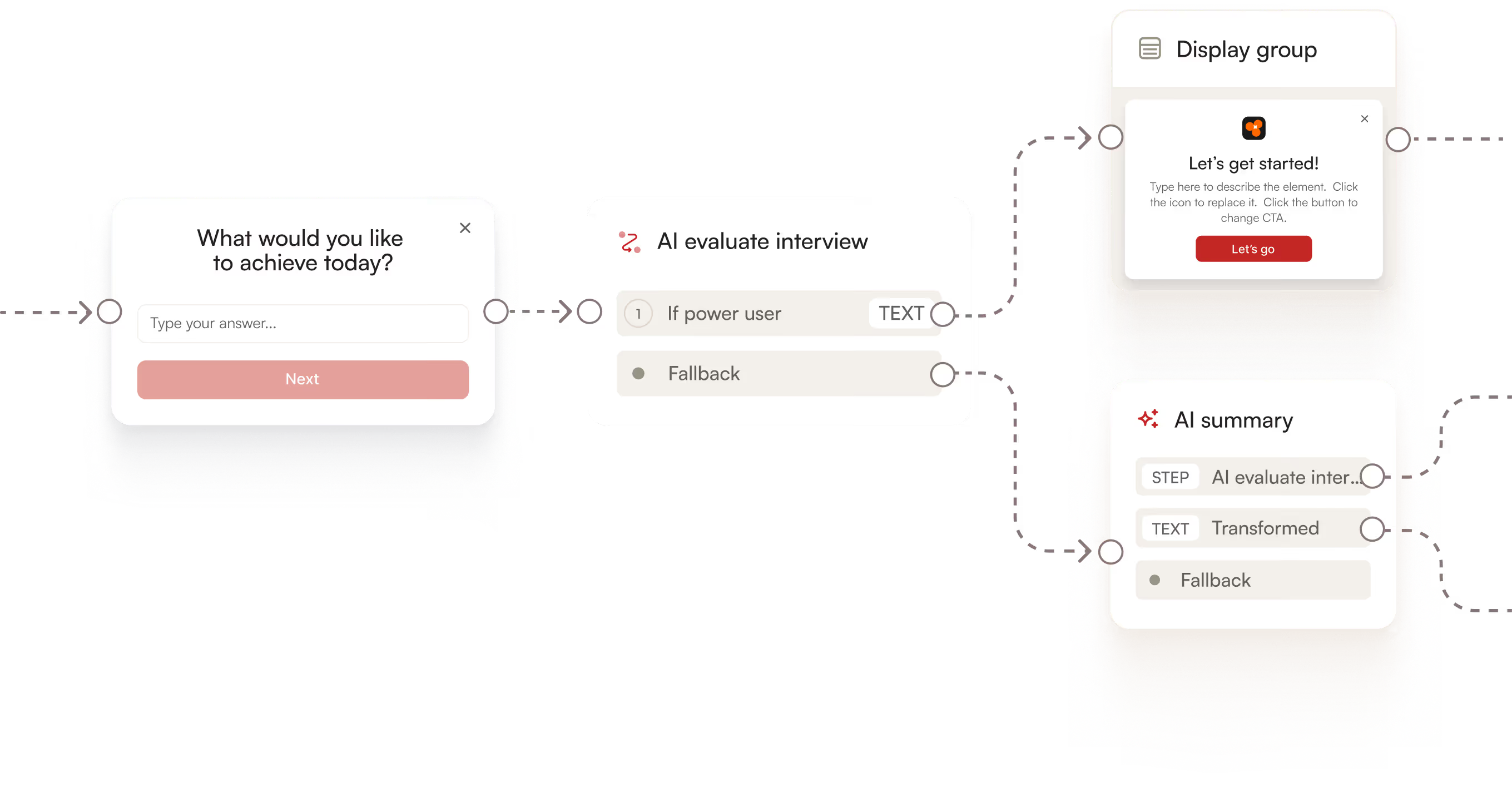
AI nodes
Real-time personalisation
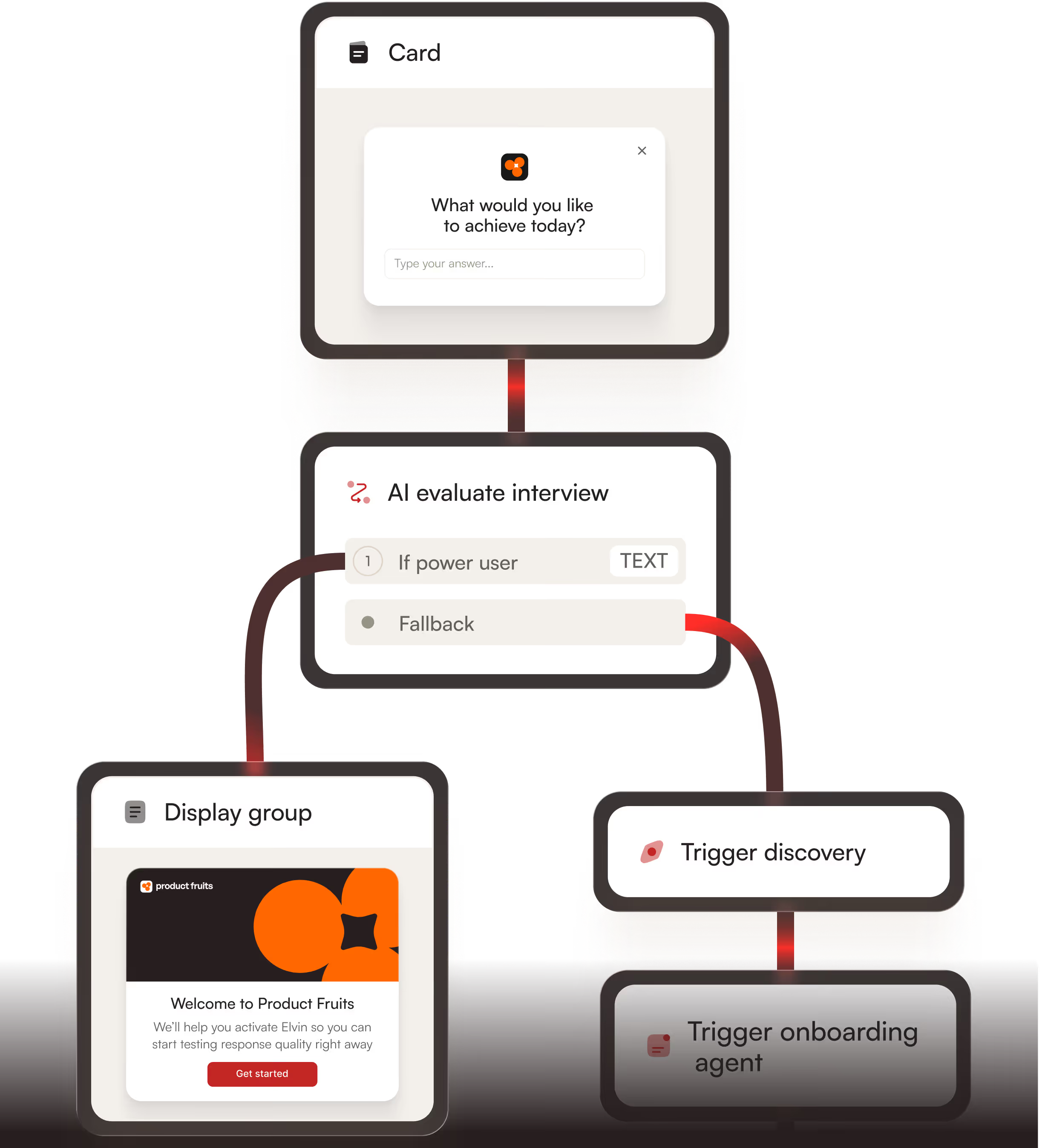
Forget dropdowns — ask one open question instead. The AI evaluator reads the answer and branches the flow. Power users go straight to advanced setup, beginners get Elvin walking them through step by step.
Trusted by 1,300+ teams to scale user success











From idea to live in minutes
No scripting. No UX briefing. No waiting for a dev sprint.

Record
Use your product as you normally would. Elvin watches, learns and drafts the flow.

Refine
Edit cards, chain steps, add conditions and delays on the visual canvas. Preview exactly what users will see before you go live.

Launch
Publish directly from the canvas. Set triggers, pick your segment and go live. No deployment queue, no dev ticket.
Evidence from the reality of product growth
Forget the marketing deck. Here is what actually happens when you plug Product Fruits into your app.