

Product Fruits vs WalkMe: user onboarding for your own product, without the heavy lifting.
Describe a flow or record it by clicking through your app, and Product Fruits AI drafts it for your team to edit and publish. After one script, no developers needed.



Product Fruits vs WalkMe, side by side
In plain words, sourced from each company’s own pages. We compare with WalkMe’s edition for customer-facing apps. WalkMe publishes no plans, so its column describes the product.
What you pay, and what you get
Starter begins at $111 a month at 1,500 MAU billed annually, or $149 billed monthly. WalkMe doesn’t publish prices, so here is ours at that size, and what WalkMe shows instead.
- Up to 15 Product Fruits Flows, 15 tours, 50 hints and 2 checklists
- Announcements, Newsfeed, feedback widget and a public Knowledge Base
- Elvin Copilot answering your users: 20 conversations a month at 1,500 MAU
- Custom CSS for your own styling
- 3 seats, 2 workspaces, 5 segments
- In-app guides, tooltips, announcements and product tours
- Surveys and flow analytics
- AI Authoring, and On-Demand AI in the WalkMe Menu
- Native mobile SDK, SSO and a choice of data centers
- Price on request
Our price is billed annually. WalkMe sells two editions, for employees and for customer-facing apps, and prices both by quote.
Need custom events, surveys or HubSpot? They start on Pro, $187 a month at 1,500 MAU, billed annually.
Growing fast? At 10,000 MAU, Starter is $299 a month billed annually, or $399 billed monthly.
An active user is anyone who logs in to your product in a month, counted once however often they return. Go over and your Product Fruits Flows, tours and hints keep running. Elvin Copilot pauses for users above your limit, and we get in touch about a better plan. See every plan
Switching from WalkMe in four steps
No one-click import. Plan the move around your contract date. Most of what you built has a direct match; automations don’t carry over.

A developer pastes it into your app once, just as with WalkMe’s snippet. After that, your team builds on its own.

Smart Walk-Thrus become tours, or Product Fruits Flows when they branch. SmartTips become hints, ShoutOuts become Pop-ups, and Onboarding Tasks become checklists. Surveys carry over on Pro and up.

Describe a flow, or record it by clicking through your app. Test it in a second workspace, then copy it to your live one and publish.

Show the new flows to one group of users first. Switch WalkMe off when your contract ends.
What you get with Product Fruits
User onboarding your team ships without developers, and the jobs that come after it.
Stop losing new users before they see the value
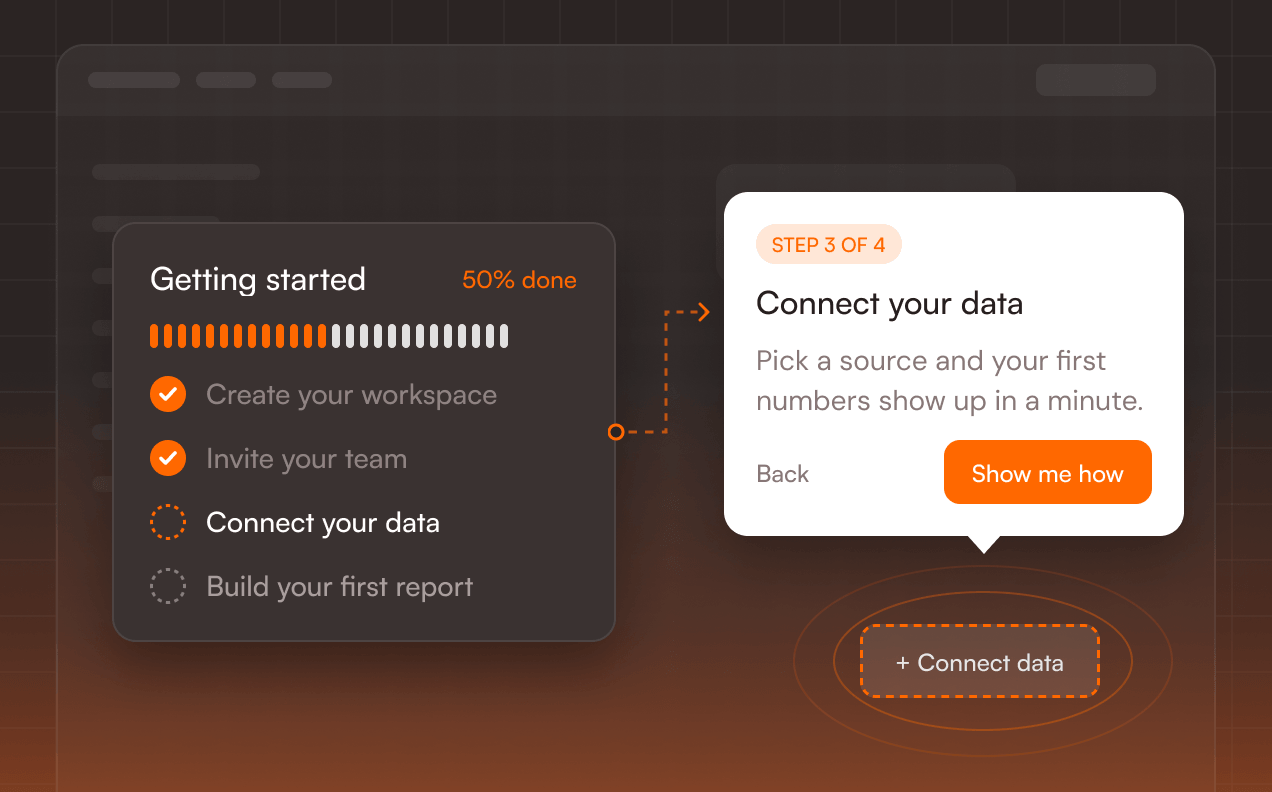
Product Fruits Flows guide each user to their next step and change course based on what they do, while Checklists show how far they’ve come. Hints & tooltips explain a button right where it sits, so nobody has to go looking for help.
Make sure users actually see what you ship
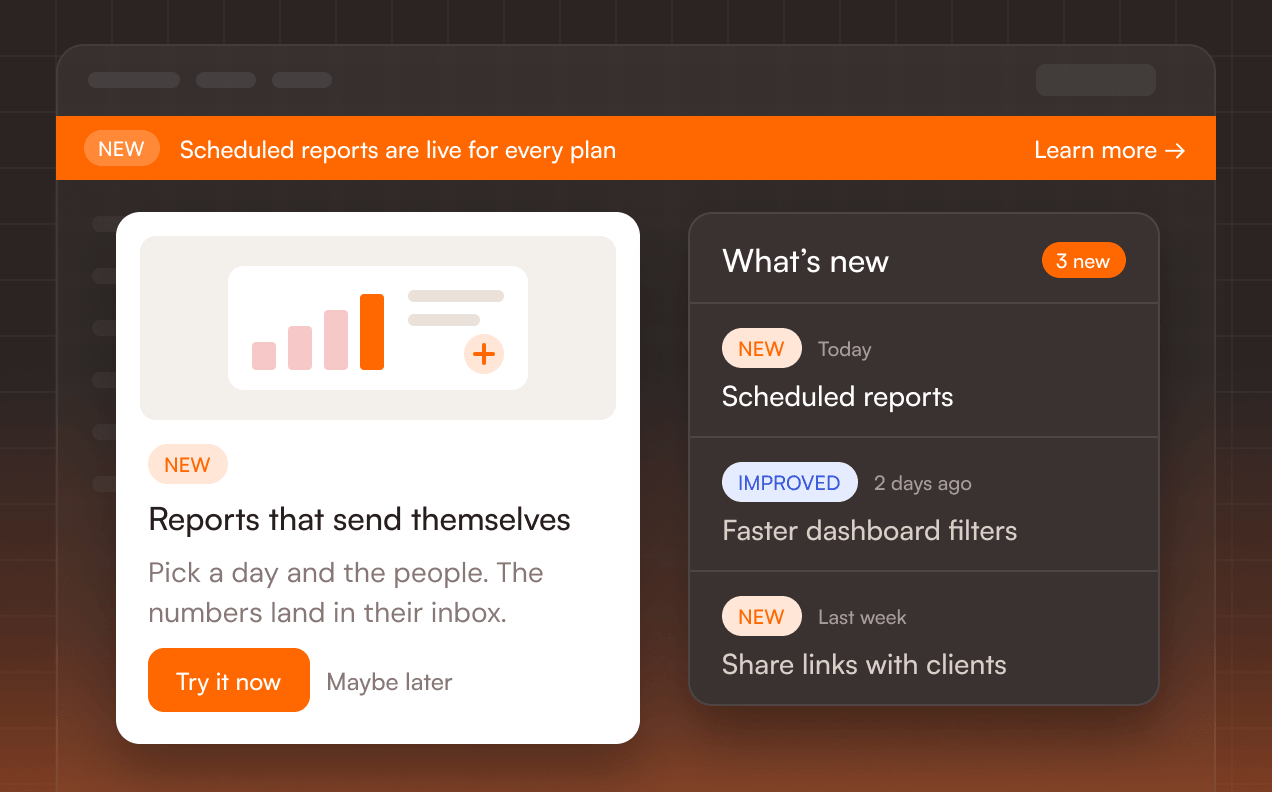
Pop-ups carry the news nobody should miss, and Banners put a notice across the top of your app. The Newsfeed keeps every update in one place inside your product, so users can catch up whenever they like.
Hear from users before they give up
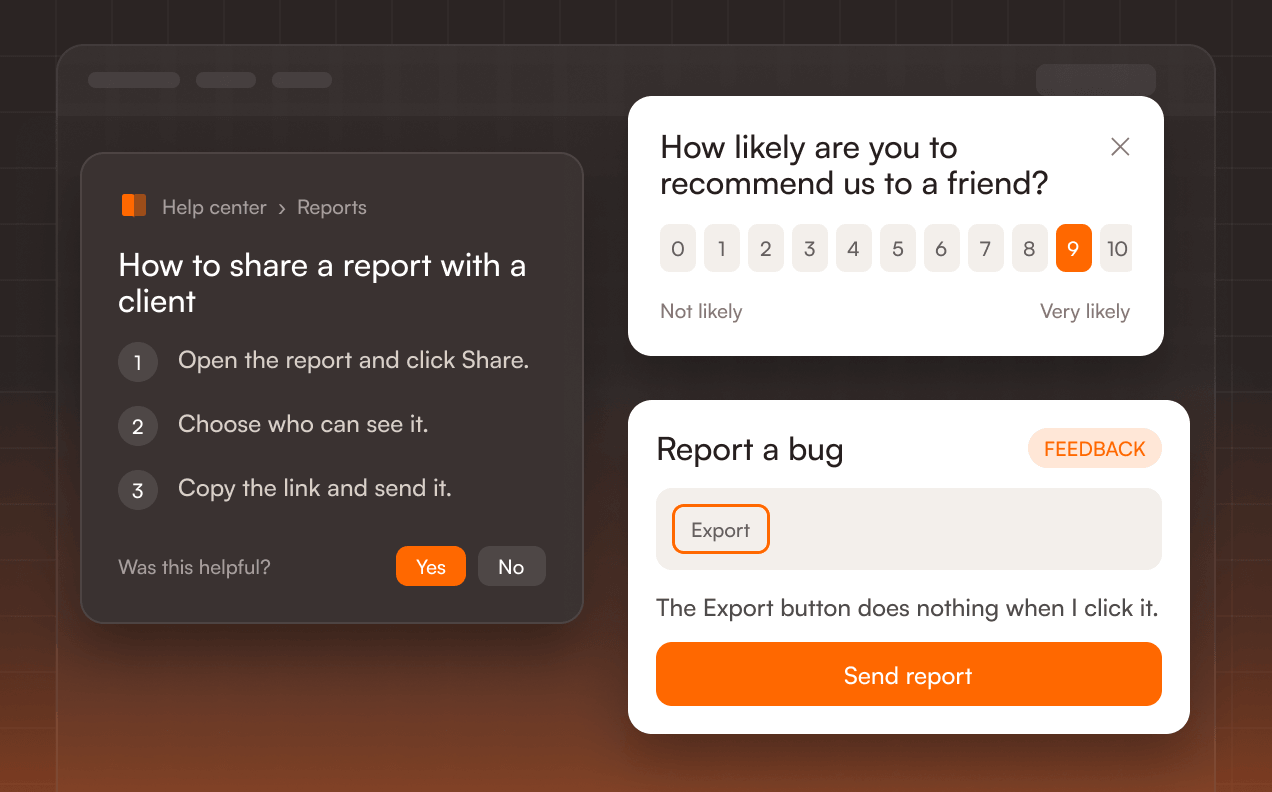
Surveys ask the right question at the right moment, and the Feedback widget lets users report a bug with a screenshot without leaving your app. The Knowledge base puts answers inside your product, so fewer questions turn into tickets.
Questions teams ask before switching
Starter begins at $111 a month at 1,500 MAU billed annually, or $149 billed monthly, and every plan and size is on our pricing page. WalkMe doesn’t publish prices: both its editions are quoted on request. At 10,000 MAU, Starter is $299 a month billed annually.
Breadth. WalkMe runs in desktop apps as well as on the web, tracks product analytics with Session Playback as an add-on in some regions, automates tasks with ActionBot, and offers data centers in the US, EU and Canada, plus FedRAMP. It also covers employee software such as SAP, Salesforce and Workday. If you need those, WalkMe is a good choice. We’re stronger on user onboarding for your own product: a price you can see, a trial you start on your own, a built-in Knowledge Base, and Elvin Copilot on every plan.
Most will. From the Pro plan, Product Fruits Flows branch on user data, segments and events, wait for conditions and run across pages. Branching on whether an element is on the page isn’t available yet, so flows built on that need another route, such as a user property your app sends. Book a switch call and we’ll go through your hardest flows with you.
Not automatically. You rebuild it, and Product Fruits AI drafts the first version from a short description or a click-through recording. Smart Walk-Thrus become tours or Product Fruits Flows, SmartTips become hints, ShoutOuts become Pop-ups, and Onboarding Tasks become checklists. Surveys carry over on Pro and up.
Yes. Install Product Fruits next to WalkMe, move one group of users at a time, and switch WalkMe off when your contract ends. If your contract runs for a while yet, book a switch call and we’ll work out the timing with you.
Yes. Each workspace has its own code, so you install one in your test environment and one in production. Tours and Product Fruits Flows copy from one workspace to the other; checklists and segments are set up again. Starter includes 2 workspaces, Pro 6 and Business 100.
Once, to add our script to your app. After that your team builds and publishes without developers.
Yes. Product Fruits runs in single-page apps built with React, Next.js, Angular and similar frameworks, and follows users as they move between pages. If your app generates random CSS class names, you attach a step to the element’s text or a data attribute instead, so it keeps its place when your code changes.
Anyone who logs in to your product in a month counts once, however often they return. Test users count too, including your own team when they test in your app. The count starts when your paid plan begins, and you can see every tracked user in your workspace.
A conversation counts once, however many messages it takes. At 1,500 MAU, Starter includes 20 a month, Pro 100 and Business 400, and the allowance grows with your MAU. If your users need more, add packs of 100 conversations anytime for $37 a pack billed annually, or $49 billed monthly, or move to a plan with a bigger allowance.
Plans grow with you, from Starter to Business and Custom. Business covers up to 40 languages, 100 workspaces and unlimited segments. Custom adds your own MAU limits and contract terms. For the security review: SOC 2 Type 2, ISO 27001 and GDPR.
In the EU, on AWS in Ireland. We hold SOC 2 Type 2 and ISO 27001, comply with GDPR, and offer a Data Processing Addendum. Our subprocessors are listed at productfruits.com/policies/subprocessors. With our standard script install, you can also route every request through your own proxy. WalkMe offers data centers in the US, EU and Canada, and a FedRAMP option.

Try it on your own product.
Build your first Product Fruits Flows in the trial. If you’d like help, book a call and we’ll look at your WalkMe setup with you.

Comparing more tools?
We’ve put Product Fruits side by side with the other tools teams ask us about. Same format every time: plans, price at your size and what each one leaves out.




Sources: walkme.com/pricing (editions, what each includes), walkme.com/ai and walkme.com/walkme-editor (AI, building), walkme.com/walkme-security (certifications), support.walkme.com (content types, mobile SDKs, data centers, trials, Menu integrations), productfruits.com/pricing, help.productfruits.com (Flows, workspaces, proxy, billing, data hosting), G2 product pages.