Build one Flow. Each user follows their own path.
User onboarding flows are step-by-step guides that run inside your web product and walk a new user to their first win. Product Fruits Flows are user onboarding flows with branches, so one Flow gives each user the path that fits them. Use Flows for user onboarding, feature adoption, activation and explaining a product change.
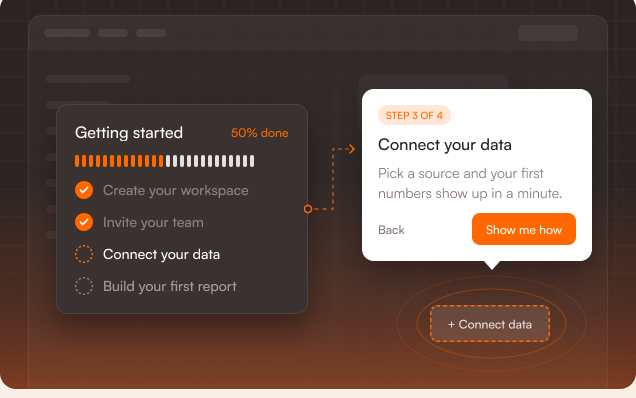
One Flow, two paths: the cards an admin sees and the cards a viewer sees on the same screen.













Help users find value faster
One Flow gives each user their own path
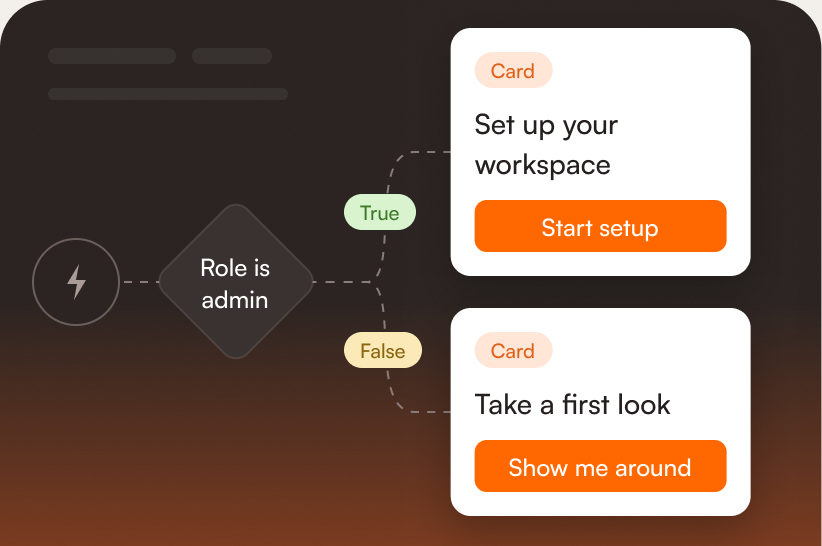
A single Flow sends each user down the path that fits their role, so admins go straight to setup while viewers get a first look. One build, two journeys.
Users learn by doing the task
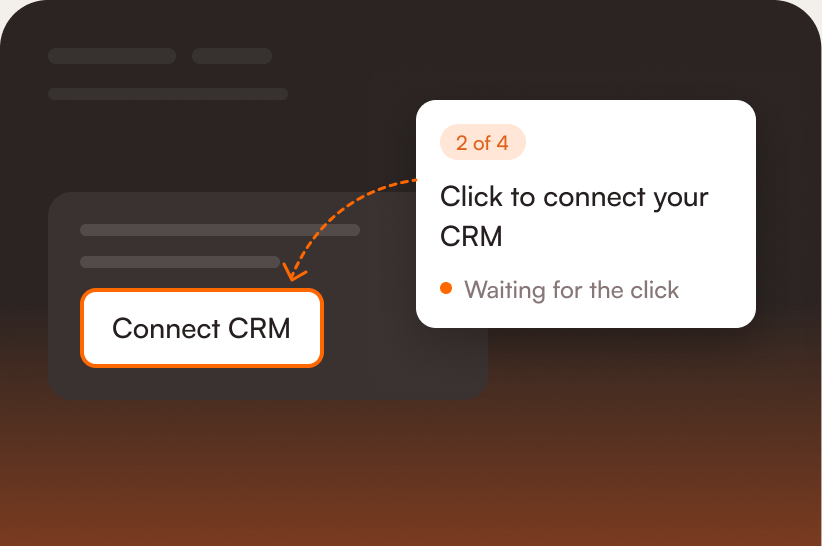
A card points at the button and waits. It moves on when the user clicks the button or fills in the field. They do the task instead of reading about it.
Changes go live without a developer
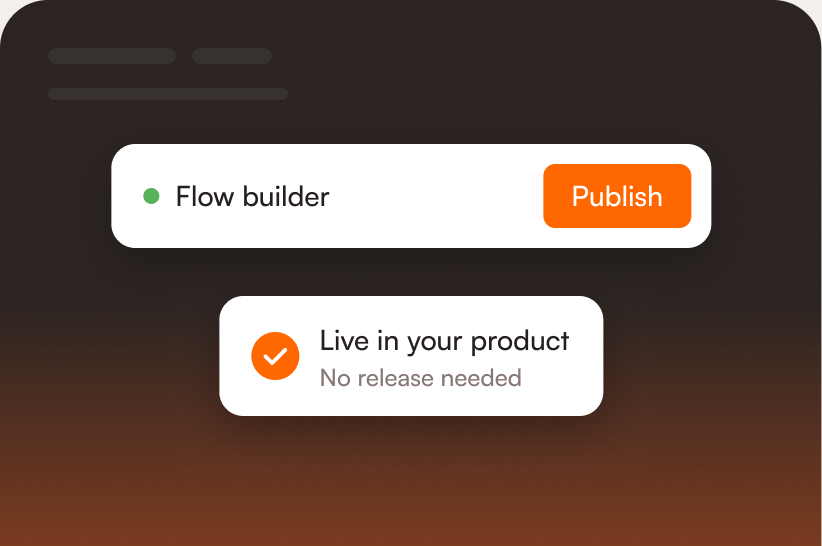
Anyone on your team can open the Flow builder, make the change, and publish it straight to the product, so updates never wait on the next release or pull developers off their sprint.
Before and after with Product Fruits Flows
The places new users stall, and how a Flow gets them to their first win.

Today
- A new user logs in, clicks around, and gets lost before the first win.
- The tooltips say what to click. No one reads them, and the task stays undone.
- A copy change to the tour waits for dev time and the next release.
With Product Fruits Flows
- Each user gets their own path.
- The card waits. The user clicks.
- Your team publishes the change itself.
How Product Fruits Flows get built and rolled out
What your team sees, in the Product Fruits admin
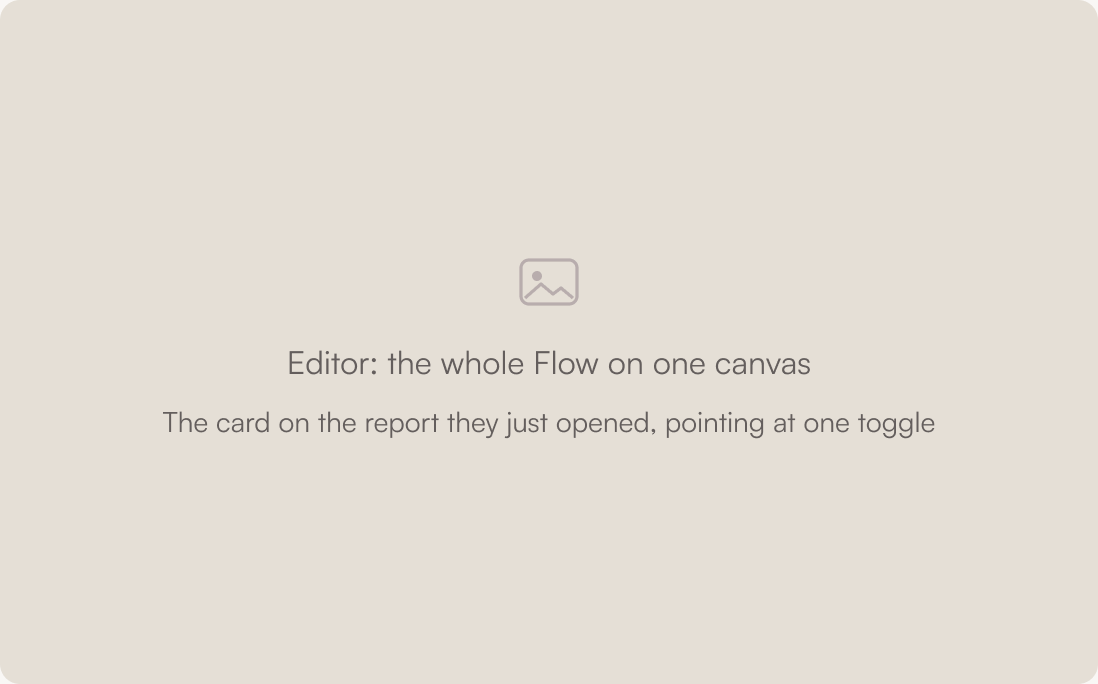
Start from a blank canvas, a template or a tour you already have. Or click through your product with Record with Product Fruits, and Product Fruits AI drafts the cards for you to edit. Pick who sees the Flow and when it starts. Add cards, pinned to a button or floating on the page, and a branch where admins and viewers part ways. Preview it on your product and publish.

What your users see, in your product
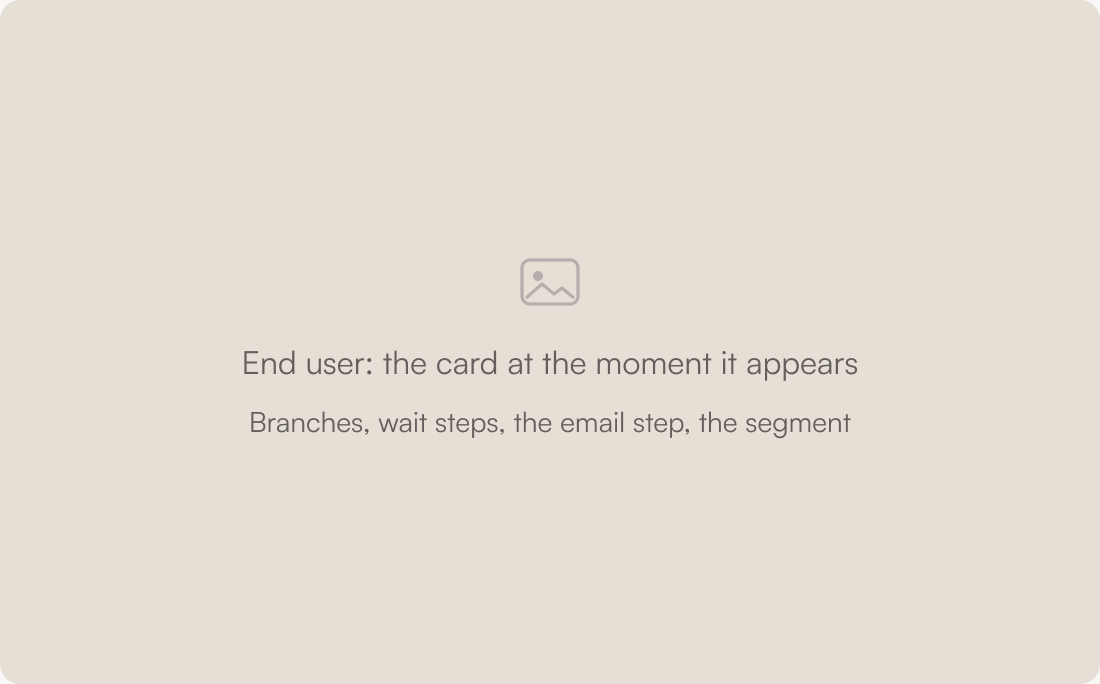
A card shows up on the screen they're already on, pinned to the thing they need to click. It can wait until they do it before it moves on. The admin and the viewer look at the same screen and get different cards.
What sets Product Fruits Flows apart

Ask a question, read the answer, pick the path
A card asks the user what they want to do first, in their own words. An AI step reads what they typed and sends them down the branch that fits.

Pull in data from your other systems
A step can call another system's API and use its reply in later steps. You set it up in the builder.

An email is just another card
Add a delay of hours or days, then an email through your own email service, as a step in the same Flow.

Which plan do I need, and what does it cost at my number of users?
Product Fruits Flows are on every plan: Starter has 15, Pro 100, Business unlimited. Branches, conditions, delays, emails and API Call start on Pro; the AI steps start on Business.

What Mystore's product team built in 10 to 15 minutes with Product Fruits Flows


Tours are more like static cards, you just follow one road. But with Flows you have a lot more options.
"Now I always go for the Flows. It's that easy, just as easy, or maybe easier, to build than tours."

What product teams ask before their first Product Fruits Flows
What's the difference between a tour and a flow?
A Tour is a fixed walkthrough with a Next button. A Product Fruits Flow can wait hours or days, branch on what the user did, and advance only when they click the element you point at.
Can admins and end users see different guides?
Yes. Target a Flow to a segment, or put a Condition inside it. A Condition reads segment, user properties, custom events, the state of another Flow, or an answer the user typed.
It breaks the whole tours when we change the UI. Does that happen here?
A card finds its element by selector. If your UI changes under it, your team re-attaches the card in the editor and republishes. No developer, no release, no waiting on dev time.
Can I show it to management before anything goes live?
Yes. Preview renders the Flow on your real UI. For a live run, publish into a staging workspace or restrict the Flow to yourself with targeting. Starter includes two workspaces.
How long is the trial, and what if we're not ready?
14 days, full access, no card. If your devs are still on the script, extend it yourself from the billing page. Then start from one of 19 templates.
Product Fruits Flows work with