Userpilot vs UserGuiding in 2026: pricing, features, and reviews


TL;DR
- Userpilot vs UserGuiding is a question of weight, not quality. Both are well-rated on G2: UserGuiding at 4.7★, Userpilot at 4.6★ (September 2026).
- Choose Userpilot if you want onboarding and native product analytics (funnels, retention, paths, session replay) in one tool, and you have someone to run it. Trade-offs: a $299/mo floor, a Starter plan capped at 2,000 MAU, and a learning curve reviewers mention often.
- Choose UserGuiding if you want the easiest builder and the lower bill. It scores highest on G2 for ease of use. Trade-offs: lighter analytics, tight limits on the Starter plan, and no native mobile support.
- The price gap widens as you grow. At 5,000 MAU, UserGuiding Growth costs $419/mo, while Userpilot requires its Growth plan, starting at $849/mo.
- If neither fits, there's a third option. Product Fruits sits between the two on price and weight, with AI help built in for your end users. It's covered briefly further down, with full disclosure.
Look at who writes most "Userpilot vs UserGuiding" pages and you'll notice a pattern. Userpilot wrote one. UserGuiding wrote one. Each concludes, unsurprisingly, that it wins. Both also misstate a few things about the other, which we'll untangle below.
This comparison tries to do what those can't: call it straight. You'll get a feature-by-feature breakdown, pricing at the MAU levels teams actually hit, what real reviewers say on G2, and a clear "choose this if" guide.
A quick word on who's writing. We build Product Fruits, a third tool in this category. That means we know both products well, and it also means we have a bias you deserve to know about. So we'll keep our own product out of the comparison and give it one short section near the end. There's one exception: the pricing section, where leaving a number out would feel like hiding it.
Userpilot vs UserGuiding: the short answer
Userpilot is the heavier, analytics-first platform. UserGuiding is the lighter, faster, cheaper onboarding tool. If you want in-app guidance plus a real product analytics stack in one contract, and your budget starts around $850/mo once you pass 2,000 MAU, Userpilot fits. If you need tours, checklists, and a help center live this week, at a price a small team can approve, UserGuiding fits.
One more data point before we dig in. On G2's comparison of this category, the highest Quality of Support score doesn't belong to either of these two. We'll come back to that.
How we compared Userpilot and UserGuiding
We judged both tools on the things that decide onboarding outcomes: how fast you can build guidance, how precisely you can target it, what you can measure natively, what it costs to scale, and what support looks like when you're stuck.
Every price comes from the vendors' own pricing pages (Userpilot, UserGuiding), checked in September 2026 on annual billing. Every rating and score comes from G2, and review quotes link to their source. Where the vendors' own claims conflict, we say so. Prices in this category change often, so confirm them before you sign.
What Userpilot does best, and where it stops
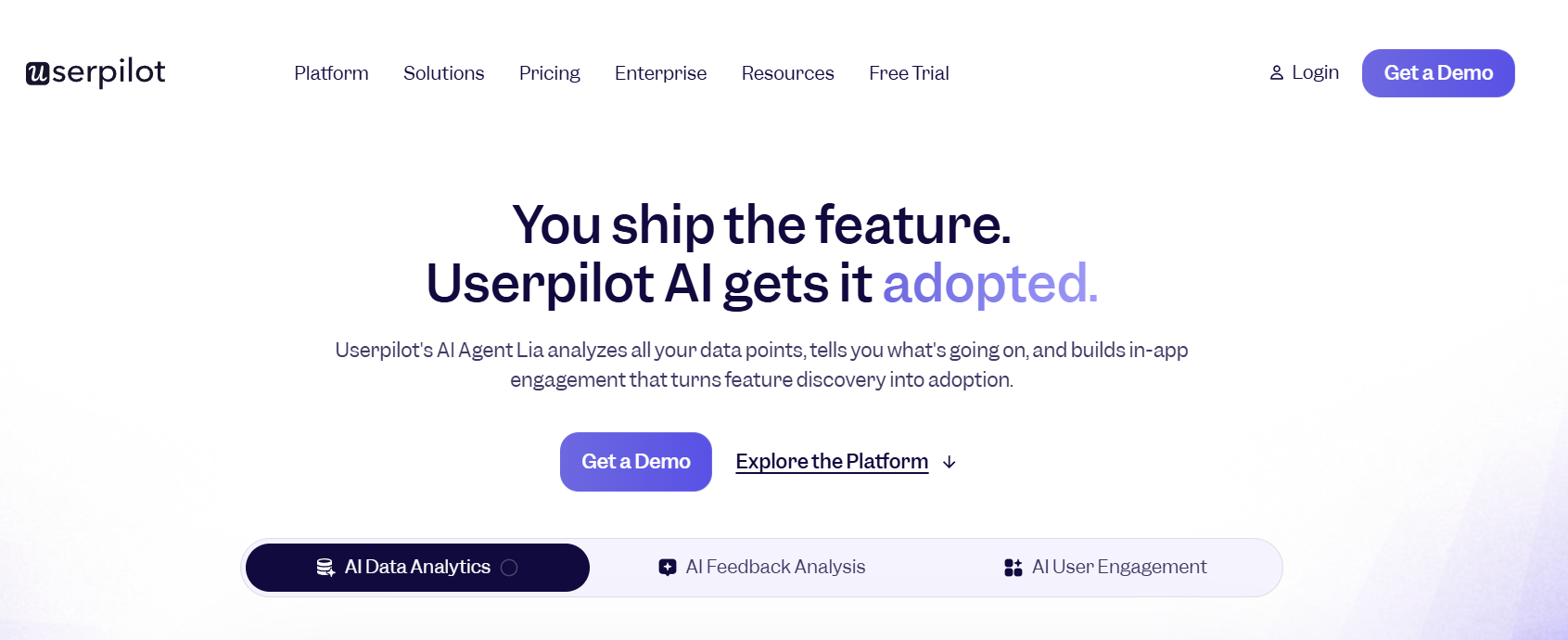
Userpilot's edge is that it's two tools in one: an in-app engagement builder and a genuine product analytics platform. On top of the standard toolkit (flows, tooltips, banners, checklists, NPS), the Growth plan adds funnels, retention, paths, retroactive event autocapture, 5,000 session replays a month, and 100,000 behavior-triggered emails a month. For a product-led team that would otherwise buy an onboarding tool and an analytics tool, that consolidation is the draw. Native iOS and Android support is available as an add-on on Growth and Enterprise, and the Lia AI agent and an MCP server are included on every plan.
Reviewers who use the analytics tend to love them. "The out-of-the-box analytics is great. It's a no-brainer to check, with tons of useful insights," writes Michal J., a CEO, on G2.
The trade-offs are price and effort. "Learning curve" and "steep learning curve" are the two most common complaints in Userpilot's G2 review summary (108 and 93 mentions). One reviewer summed it up well: "The price is a bit high, and I have to agree with other reviews about the steep learning curve. But once you've set it up and learned how to use the tool, it's amazing." (Heather M., Operations Manager, G2). Userpilot rewards teams who invest in it. It asks more of teams who won't.
What UserGuiding does best, and where it stops
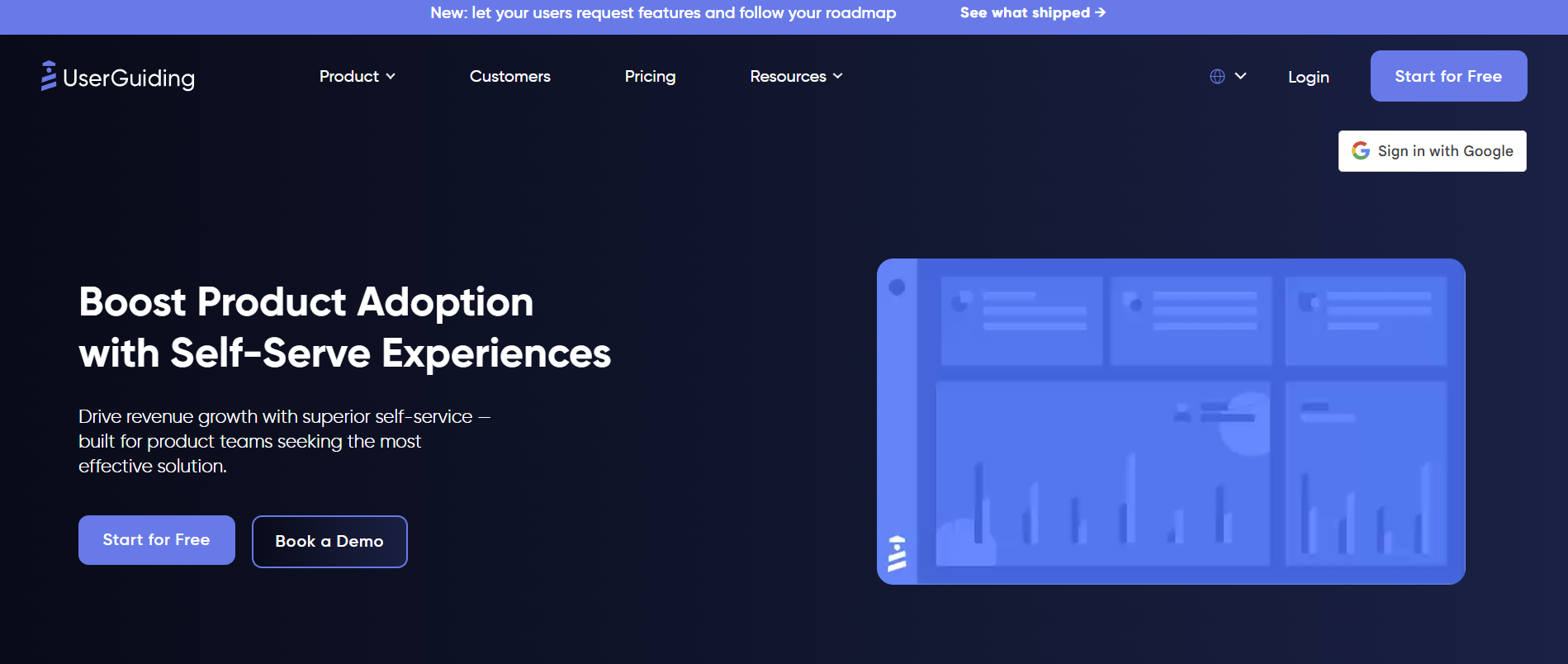
UserGuiding is the tool you can launch in an afternoon, and G2 reviewers rate it highest for exactly that. It scores 9.1 for ease of use and 8.9 for ease of setup, ahead of Userpilot on both (G2). You get guides, hotspots, checklists, banners, a resource center, NPS, and a standalone knowledge base with an AI assistant. Its Growth plan adds session replay, no-code event tracking, A/B testing, localization, and a newer feature-request and public-roadmap module. UserGuiding also offers a 30-day money-back guarantee and a structured coaching program on Growth, both rare in this category.
The value case is what closes most deals. "UserGuiding provides most, if not all, functionality our organization needed, for half the price of the competition," says a verified software-company user on G2.
Where it stops: analytics and depth. UserGuiding reports on how your guides, checklists, and surveys perform, but it doesn't offer product analytics like funnels or retention cohorts. "I also miss more in-depth reports to understand in detail the impacts of the guides and user behavior," writes Jessica A., a marketing analyst (G2). "Limited customization" is its most-cited con (41 mentions). There's no native mobile SDK or email channel either.
Feature-by-feature comparison
Both tools cover the core adoption toolkit. The real differences are in analytics, channels, and where each vendor draws its plan lines.
The pattern: Userpilot wins on analytics, channels, and mobile. UserGuiding wins on self-service content (knowledge base, roadmap) and on how quickly a non-technical team can ship. Both keep their most interesting features behind the Growth plan, which brings us to money.
Pricing compared at 2,000, 5,000, and 10,000 MAU
UserGuiding is cheaper at every level, and the gap widens once you pass 2,000 monthly active users. That's because Userpilot's Starter plan only covers up to 2,000 MAU. Beyond that, you move to Growth, which starts at $849/mo and is sold through a demo.
Annual billing, vendor pricing pages, September 2026. Userpilot's own UserGuiding comparison page puts its Growth plan at 5,000 MAU "from $12k/yr," so expect the real quote to land above the listed floor.
The sticker price isn't the price at your MAU. Before you compare, check what the entry plan leaves out. UserGuiding Starter allows 1 active checklist and 1 active survey. Userpilot Starter is capped at 2,000 MAU and 3 seats, and it excludes funnels, retention, full surveys, the resource center, and session replay. Many teams sign up for the entry plan and find themselves on the mid plan within a quarter.
For reference, here's the third seat at the table, since this is where the numbers are most useful: Product Fruits at the same levels is $149/mo at 2,000 MAU, and its mid plan (Pro) is $337/mo at 5,000 MAU, with every plan and price published. More on whether it fits your needs below.
What real users say: G2 scores side by side
On G2, UserGuiding leads on ease and admin, and Userpilot leads on analytics and in-app guidance. On support, they're nearly tied. The headline ratings are close (4.7 vs 4.6), so the sub-scores tell you more.
Source: G2 comparison, September 2026.
Userpilot's review volume (over 1,000) reflects real market scale, which counts for something when you're lowering the risk of a purchase. UserGuiding's small-business-heavy reviewer base (57%) explains its ease scores: it's built for teams without a dedicated onboarding owner.
Two claims you'll read elsewhere, checked
Because most comparisons come from the two vendors themselves, a few claims circulate that don't hold up in 2026.
- "UserGuiding has no analytics." Partly true. UserGuiding lacks product analytics such as funnels, retention, and paths. But its Growth plan does include session replay, no-code event tracking, and engagement reporting on every guide, checklist, and survey. It's "lighter analytics," not "no analytics."
- "Userpilot starts at $249." You'll see this on G2 and in older articles, including in an FAQ on Userpilot's own site. Userpilot's current pricing page lists Starter at $299/mo. Use the pricing page.
The alternative buyers miss: Product Fruits
If this comparison left you thinking UserGuiding feels a size too small and Userpilot a size (and a budget line) too big, you're describing the most common reason teams keep looking. That's the gap Product Fruits was built for.
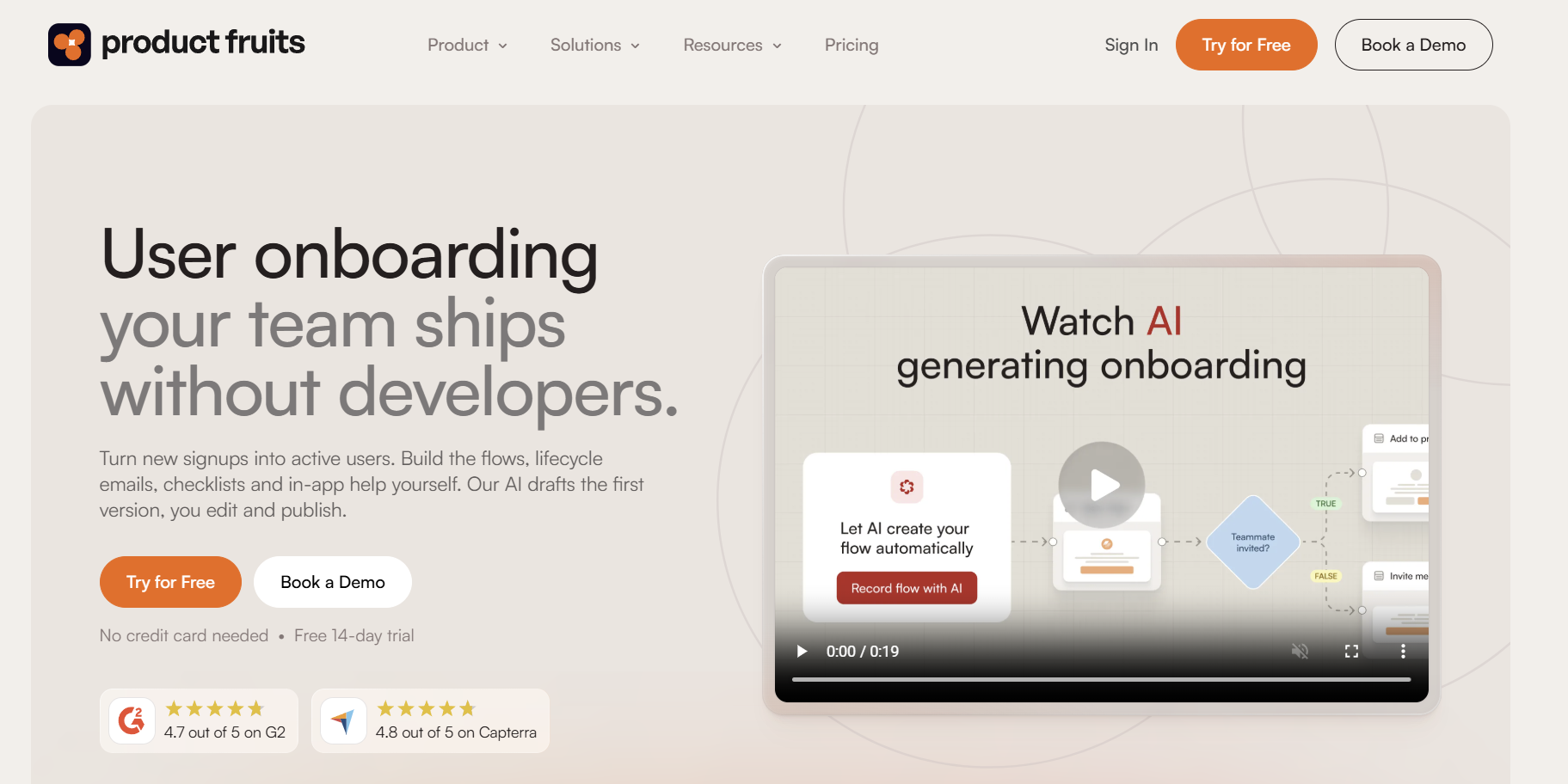
Product Fruits is an AI-native user onboarding and product adoption platform for SaaS teams. It includes tours, checklists, hints, surveys, a knowledge base, and the Elvin AI copilot in one tool, with transparent MAU-based pricing and no view limits. Three things make it worth a third quote:
- It's priced below both, and the prices are public. At 5,000 MAU, the Pro plan is $337/mo, compared with $419 for UserGuiding Growth and $849+ for Userpilot Growth. Surveys, NPS, the knowledge base, newsfeed, and feedback widget are included on every plan, not held back for a higher tier.
- It's more than "light," without the heavy learning curve. Flows is a visual canvas where guidance adapts to each user. It can branch on who they are or what they've done, wait for a condition, and trigger actions like a Slack message, an email, or a HubSpot or Jira update. Branching and conditions come with the Pro plan.
- Its AI works for your users, not just your analysts. Elvin answers users' questions inside your app using only the sources you connect, and it hands off to a human when needed. On the parts of your app you've annotated, it can also launch a step-by-step guide on the spot when a user asks "how do I…?". An MCP connection lets Claude, ChatGPT, or Cursor read your onboarding data (read-only, OAuth sign-in).
One G2 reviewer, a product manager, put the AI part plainly: "Currently about 50% of our support chats are being resolved by Elvin." (Trond-Daniel K., G2). And the G2 data point from the top of this article: Product Fruits holds the highest Quality of Support score of the three (9.6), along with the highest in-app guidance score (9.3).
When Product Fruits isn't the right pick. If you need built-in product analytics (funnels, retention, session replay), Userpilot does that natively and we don't. We integrate with analytics tools instead. If you need native Android onboarding or a full email marketing channel, Userpilot's add-ons cover more ground. And if absolute simplicity is the top priority, UserGuiding's ease-of-use score is hard to beat.
Which one should you choose?
- Choose Userpilot if you're a mid-market, product-led team that wants onboarding and deep product analytics in one platform. You'll need someone who owns it, and a budget that clears $849/mo once you pass 2,000 MAU.
- Choose UserGuiding if you're a small or non-technical team that wants tours, checklists, and a help center live fast, at the lowest price, and you're fine with lighter analytics.
- Look at Product Fruits if UserGuiding feels too light and Userpilot too heavy. Product Fruits is an AI-native user onboarding and product adoption platform for SaaS teams, with transparent pricing below both, adaptive Flows, and an AI copilot that helps your users directly.
Frequently asked questions
Is Userpilot or UserGuiding better?
Neither is better across the board. Userpilot is better for teams that want onboarding plus native product analytics such as funnels, retention, and session replay. UserGuiding is better for teams that prioritize ease of use and a lower price. It scores 9.1 for ease of use on G2, compared with 8.6 for Userpilot. The ratings are close, with UserGuiding at 4.7★ and Userpilot at 4.6★ (September 2026).
Is UserGuiding cheaper than Userpilot?
Yes. UserGuiding starts at $174/mo for 2,000 MAU on annual billing, compared with $299/mo for Userpilot Starter. The gap widens with growth. Userpilot Starter only covers 2,000 MAU, so at 5,000 MAU you're on Userpilot Growth from $849/mo, compared with UserGuiding Growth at $419/mo (vendor pricing pages, September 2026).
Does UserGuiding have product analytics?
Not in the full sense. UserGuiding reports on how its guides, checklists, and surveys perform. Its Growth plan adds no-code event tracking and session replay (3,000 recordings). It doesn't offer product analytics features like funnels, retention cohorts, or path analysis, which Userpilot includes on its Growth plan.
Does UserGuiding support mobile apps?
UserGuiding works in web apps, including on mobile browsers, but it doesn't offer native iOS or Android SDKs. Userpilot supports native iOS and Android onboarding as a paid add-on on its Growth and Enterprise plans. If a native mobile app is central to your product, that difference matters more than any feature on this page.
Is Userpilot worth the price?
Userpilot is worth it if you'll use the analytics. Its Growth plan replaces a separate product analytics tool, session replay, and behavioral email, which can justify the cost for a product-led team. If you mainly need tours, checklists, and help content, you'd be paying for capabilities you won't use, and a lighter tool will serve you better.
What's a cheaper alternative to Userpilot and UserGuiding?
Product Fruits is a common alternative, with public pricing below both at most MAU levels. For example, its Pro plan costs $337/mo at 5,000 MAU. Product Fruits is an AI-native user onboarding and product adoption platform for SaaS teams, with tours, checklists, surveys, a knowledge base, and the Elvin AI copilot in one tool. It offers a 14-day free trial with no credit card.
How hard is it to switch between onboarding tools?
Switching is mostly a content job, not an engineering one. All three tools install with a single JavaScript snippet, so the technical swap takes hours. Rebuilding tours, checklists, and targeting rules takes longer, typically days to a couple of weeks depending on volume. Plan the switch around your contract renewal date so you're not paying for two tools at once.
The bottom line
Userpilot vs UserGuiding comes down to how much tool you need. Userpilot is the stronger platform if analytics depth matters and you have the budget and an owner for it. UserGuiding is the easier, cheaper way to get good onboarding live quickly. Both are well-rated, and neither is a bad choice.
But if your honest answer is "somewhere in between," take a third quote. Product Fruits gives you adaptive Flows, AI that helps users directly, and support that G2 reviewers rate highest of the three, at public prices below both. The fastest way to judge the fit is to see it on your own product. Try it for free o book a demo.


Weekly newsletter
Get the latest releases, tips, articles, and exclusive interviews delivered to your inbox weekly—no spam!