70%
Copilot response accuracy80%
Copilot resolution rateFewer
support tickets
What will you learn from this case study
- How ClimatePartner tailored its in-app support for seasonal users
- How to implement support elements for a scalable, self-service user experience
- How AI Copilot resolves customer queries and drives platform adoption
Challenges
- Seasonal usage resulting in knowledge gaps
- Manual onboarding process
Solution
ClimatePartner built a support-driven onboarding using Product Fruits’ reactive elements such as Copilot, Knowledge base and Hints to deliver on-demand help and 24/7 communication for platform users.

Natalie Hurst
Use case №1
Addressing seasonal knowledge gaps
"When users return after months away, they often need a refresher or to learn about new features. Sometimes the main contact has changed, so the person logging in may be entirely new to the platform."
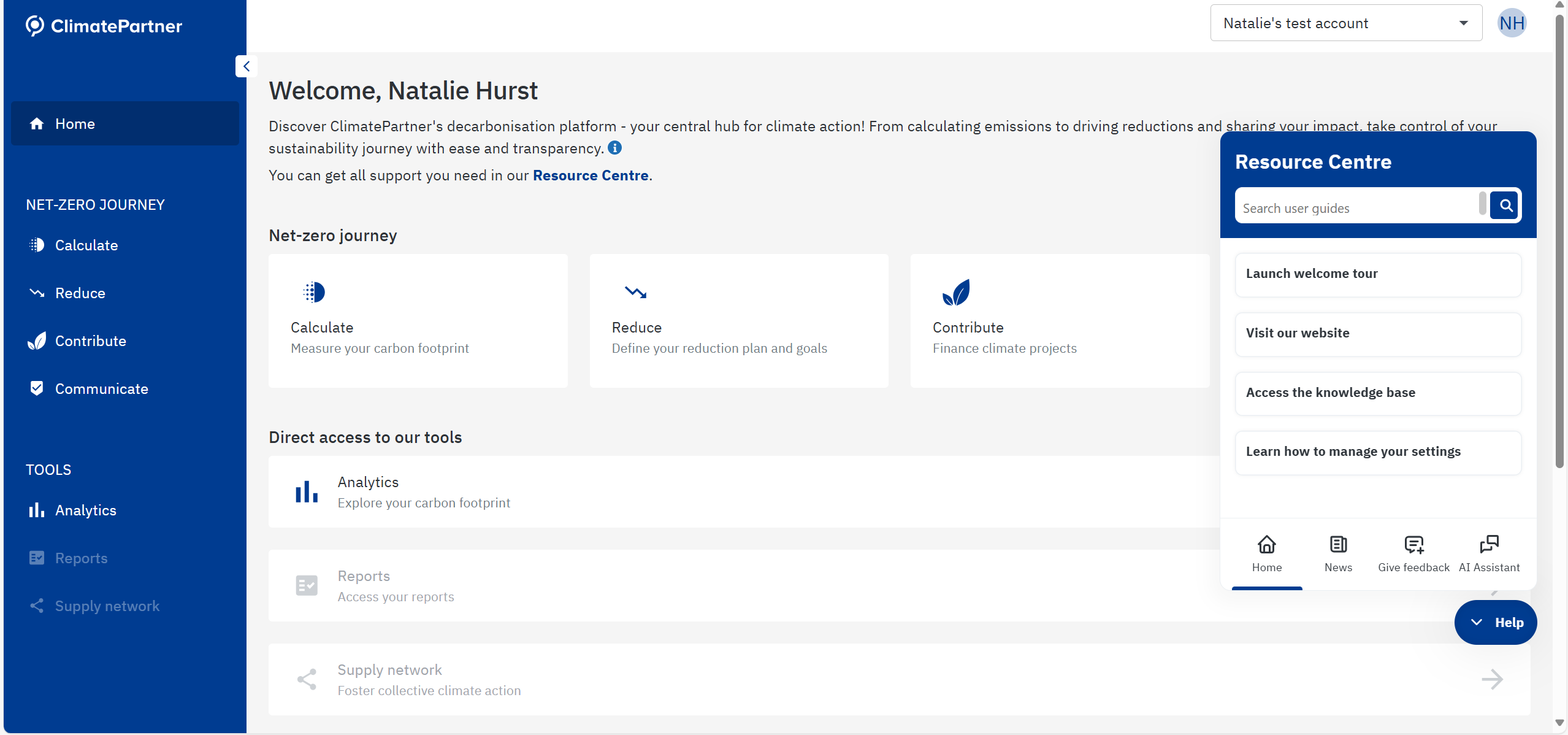
Life Ring Button: your in-app help center
To address the seasonal gap challenge, the ClimatePartner team built a seamless user onboarding and in-app support with the Life Ring Button.
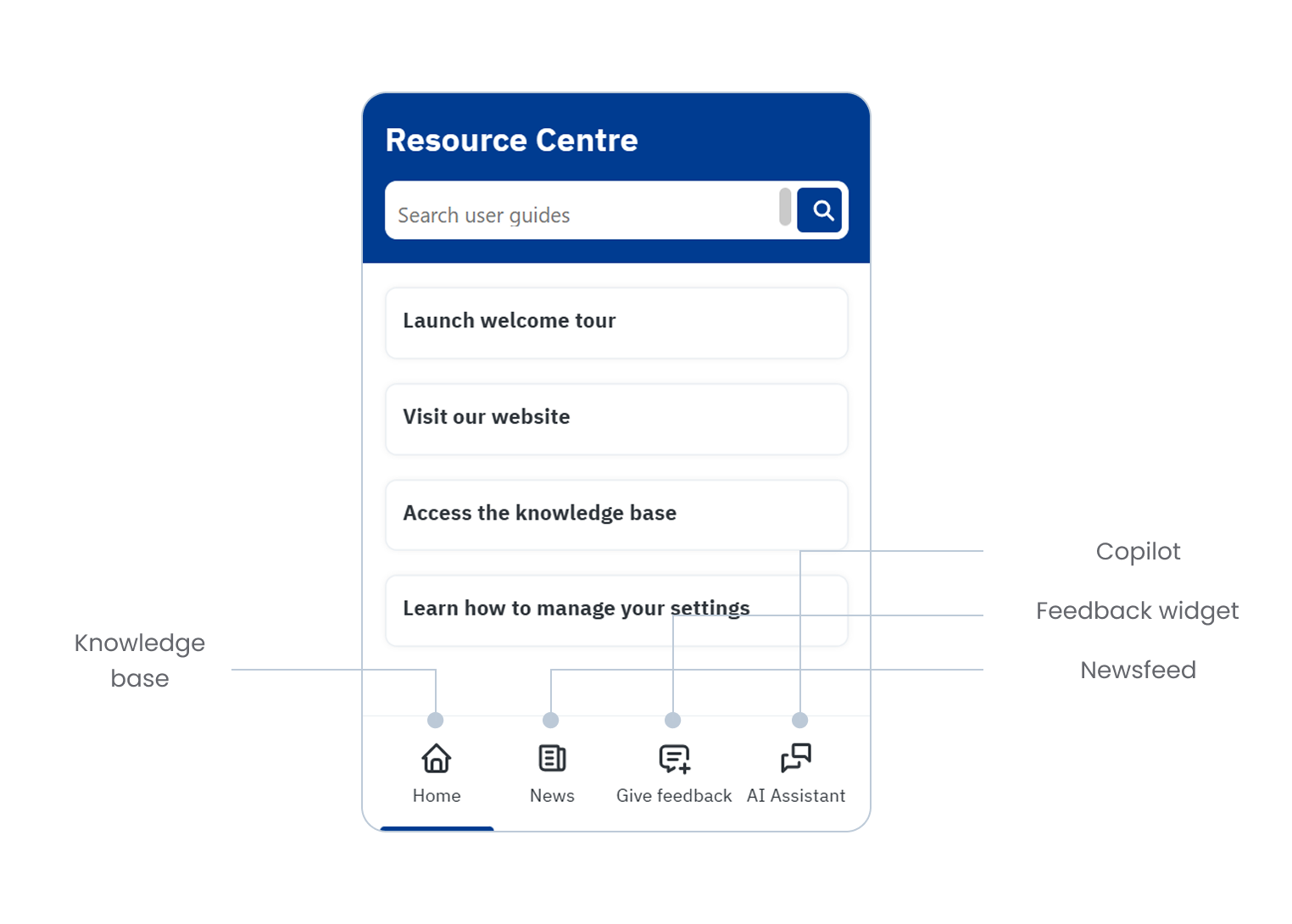
This became the central in-platform resource center, giving users quick access to the knowledge base, product announcements, company news, webinars and support options. Its four sections provide different levels of support and communication.
From the main menu, users can directly access nowledge base tutorials and articles, while the ‘News’ section delivers important product updates without requiring users to leave the platform. The other two sections focus on troubleshooting support through the Feedback widget and AI Copilot features.
Hints: the contextual helpers
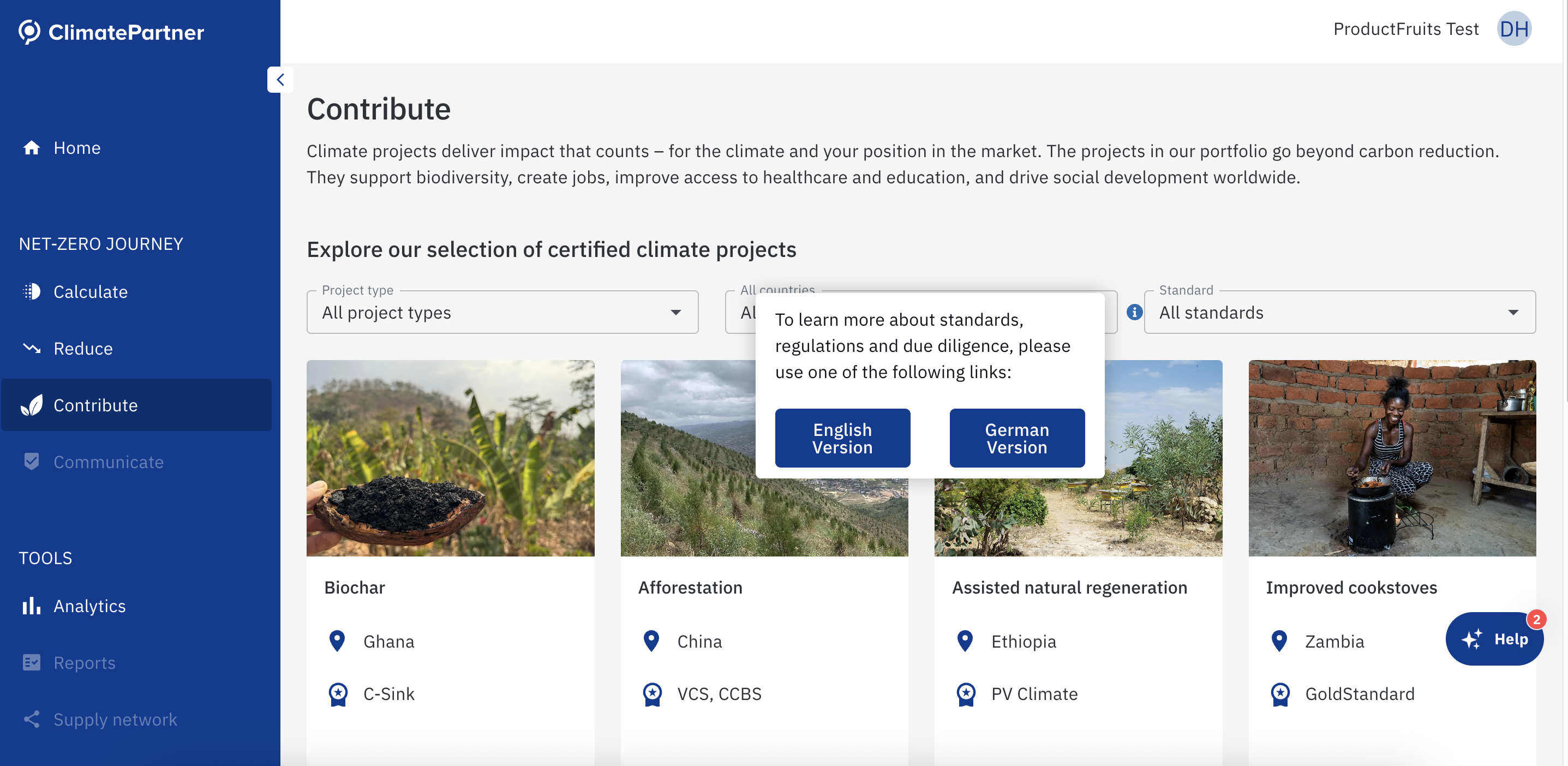
Strategically placed in high-friction areas to clarify often-complex emissions categories. The key benefit of Product Fruits is that content experts can create and update hints easily without needing to involve engineers or wait for development sprints.
Natalie Hurst
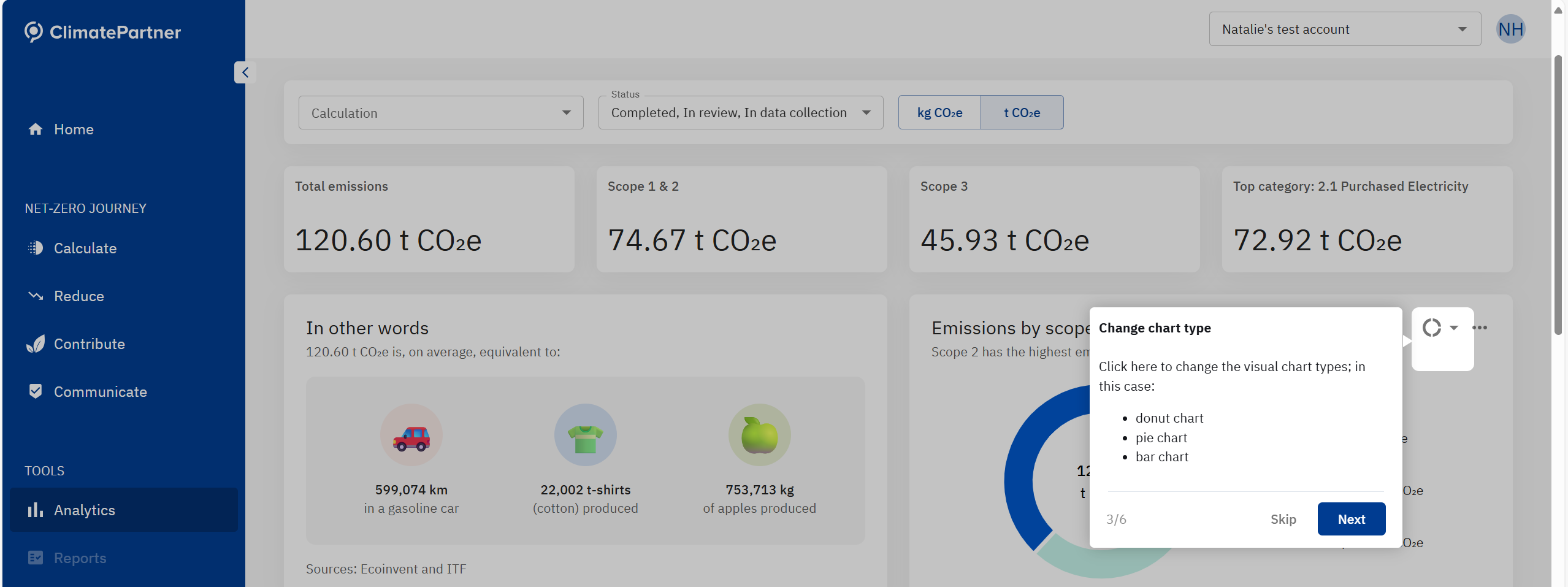
Tours: step-by-step guidance
Guided tours appear in critical modules such as emissions calculation. For example, when a recent update allowed customers to mass upload data for certain emissions categories without consultant assistance, a guided tour was created to walk users through the process, enabling them to implement changes immediately without waiting for support.
Use case №2
Reducing time spent on manual onboarding
Before adopting Product Fruits, onboarding of Climate Partner users was a manual, time-intensive process relying on static PDFs and email guides that were easily misplaced or misunderstood. Consultants often had to repeat explanations and onboarding new team members effectively restarted the cycle.
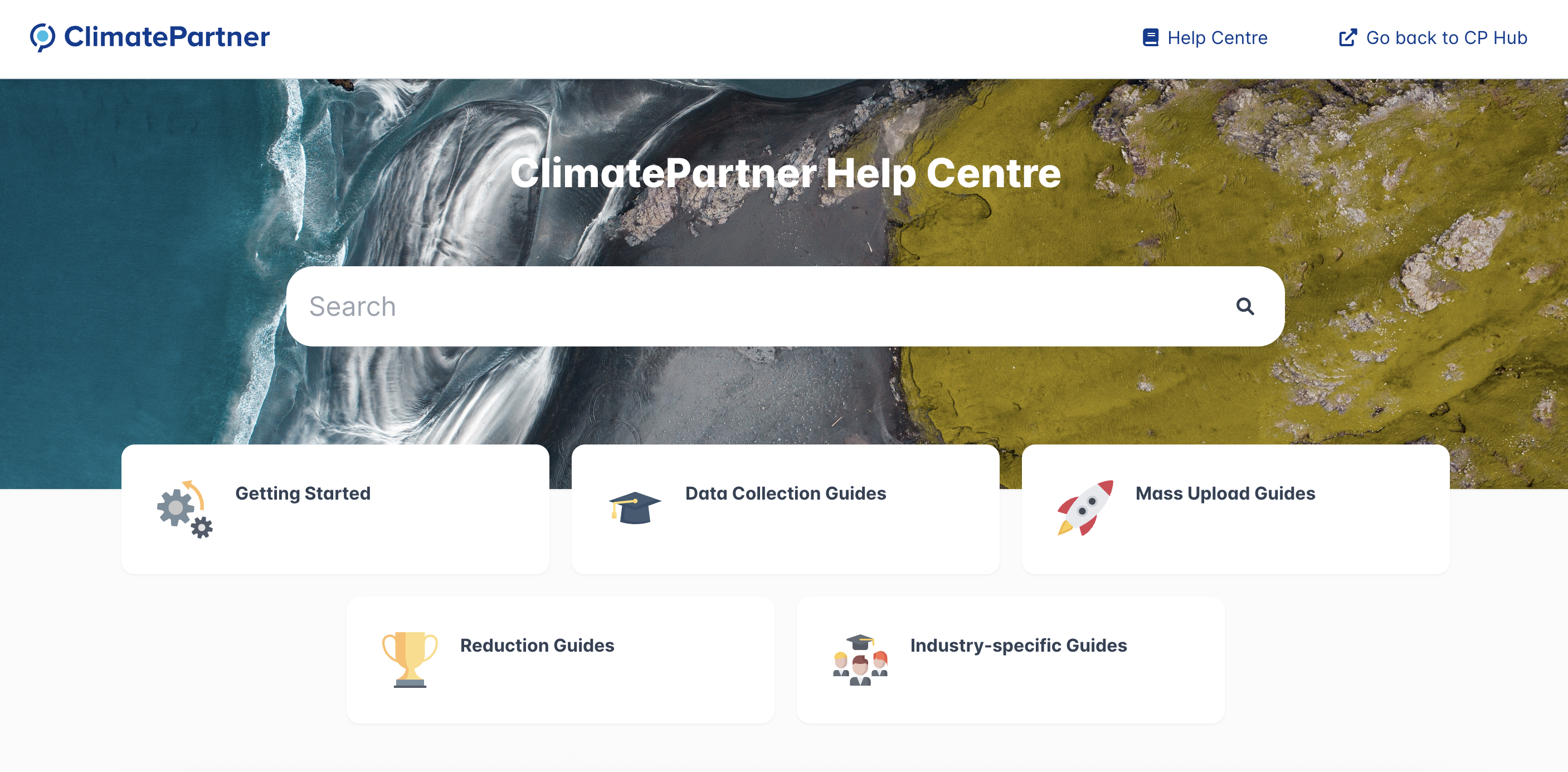
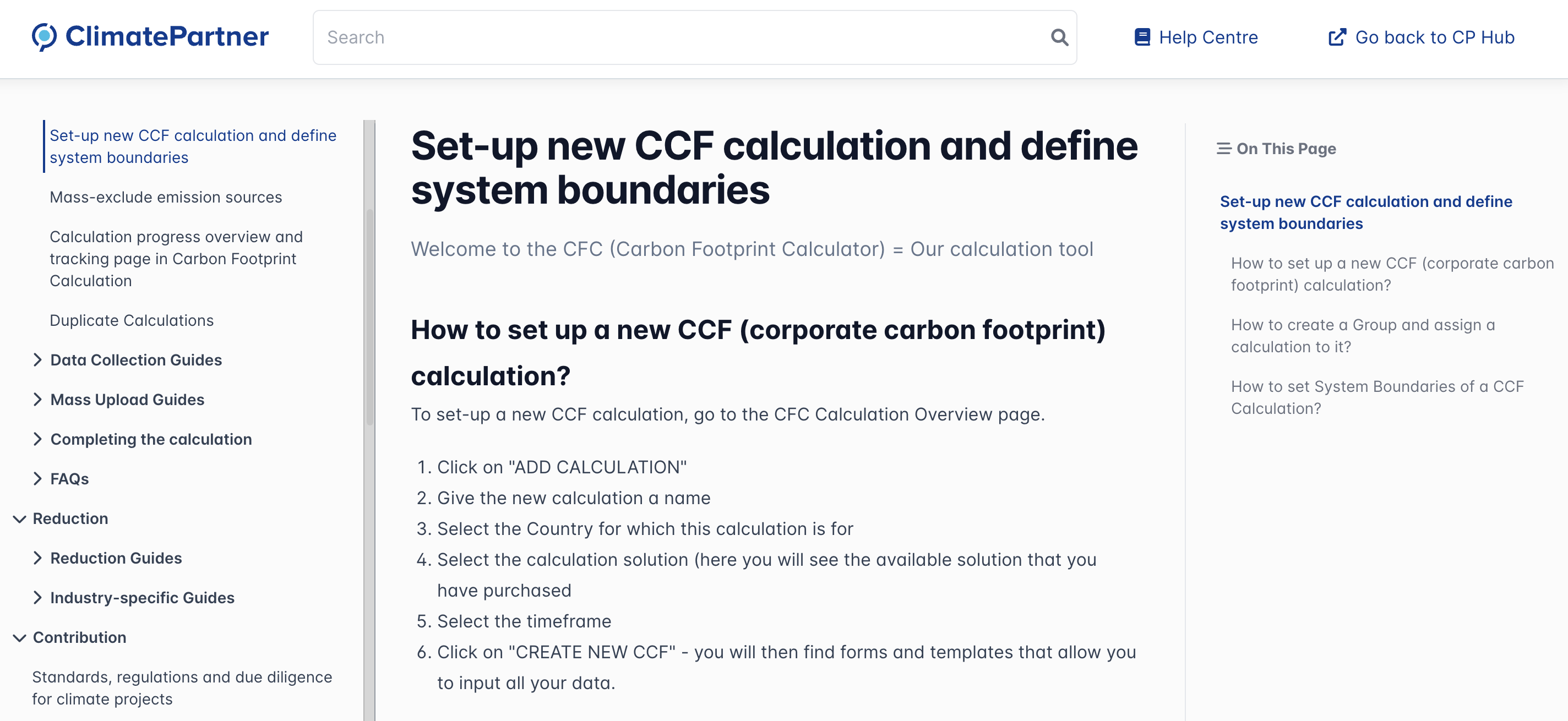
Knowledge base: your resource hub
A comprehensive library of onboarding guides, process explanations and troubleshooting tips designed to suit different learning preferences:
- Full detailed guides for those who prefer in-depth reading
- AI-generated summaries accessible through the Life Ring Button or knowledge base search for those who want a quick overview
- A knowledge foundation supporting AI copilot responses for those who want to ask detailed questions
Support copilot
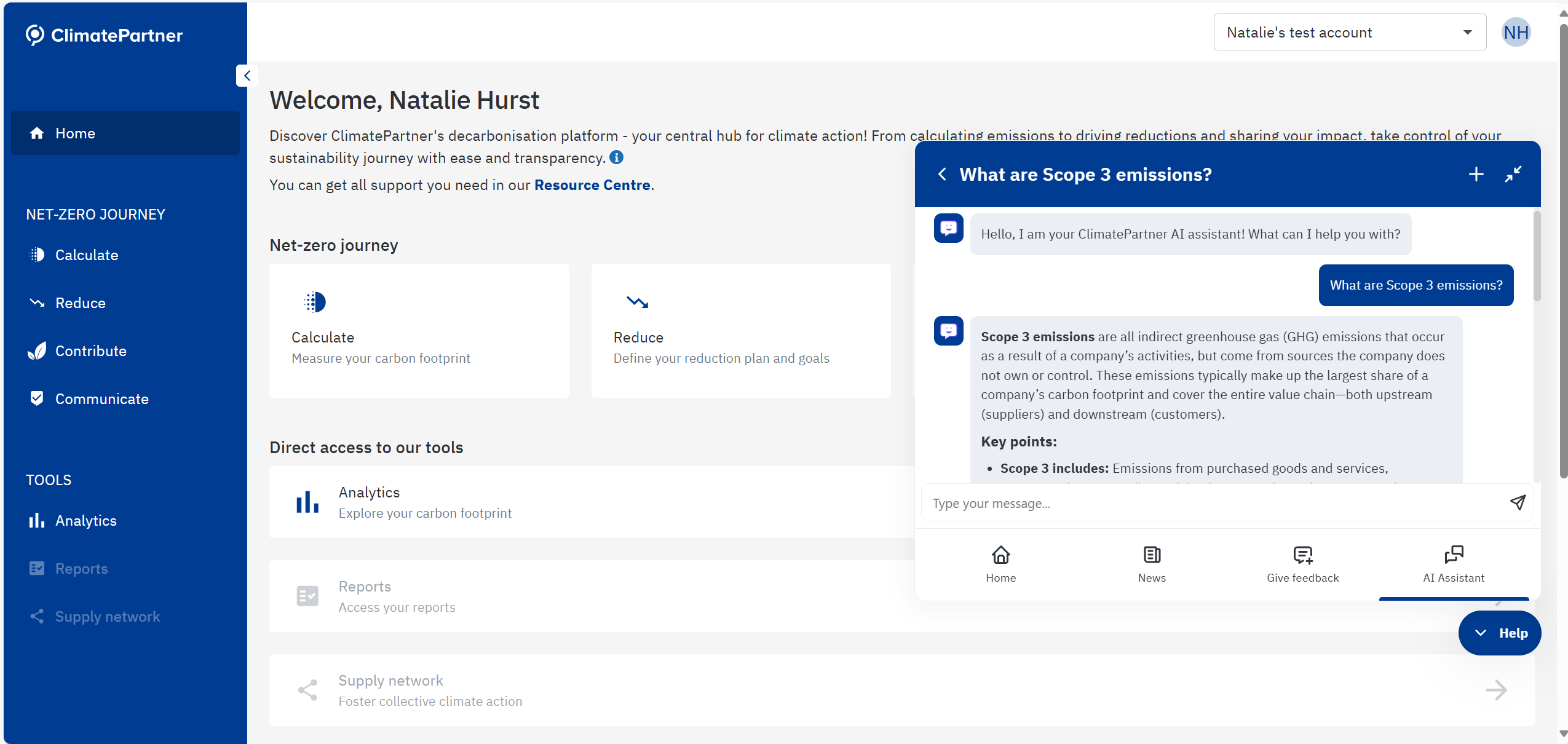
Embedded in the Life Ring Button, copilot offers conversational answers to routine questions. Users can ask about emission source suitability, reduction strategies, or data entry procedures and receive immediate responses, speeding up support and reducing email back-and-forth with consultants.
8 things to know about copilot at ClimatePartner:
- Fully automated setup – Copilot is the first line of support, with no live-agent fallback
- Available to all users – No segmentation; every user has access to copilot
- Multiple sources connected – Copilot draws from ClimatePartner’s internal knowledge base, their website and selected external resources (e.g., GHG Protocol, Science Based Targets initiative) to increase conversational depth
- Multilingual support – Provides conversational answers in multiple languages directly in-app, based on the user’s language
- Testing approach – All sources were connected and tested together, with basic validation of accuracy
- Feedback mechanism – After a negative rating, a feedback field appears directly under the conversation for users to explain why
- Team review process – ClimatePartner’s team regularly reviews copilot analytics and user questions to identify gaps
- Continuous knowledge base updates – Articles are simplified, adjusted, or added based on copilot conversations and escalations
Natalie Hurst
Conclusion
By embedding guidance directly into the ClimatePartner Hub, ClimatePartner has created a support model that mirrors how customers actually use the platform. Whether returning after months away or logging in for the first time, users can access the right help in the right place, without interrupting their workflow.
The combination of a central help hub, contextual hints, guided tours, a comprehensive knowledge base and the multilingual AI copilot empowers customers to resolve issues independently, allowing consultants to focus on delivering meaningful climate action.


Share this on: